Instagram won't let me scrub a Reel. So I built ReelBit.
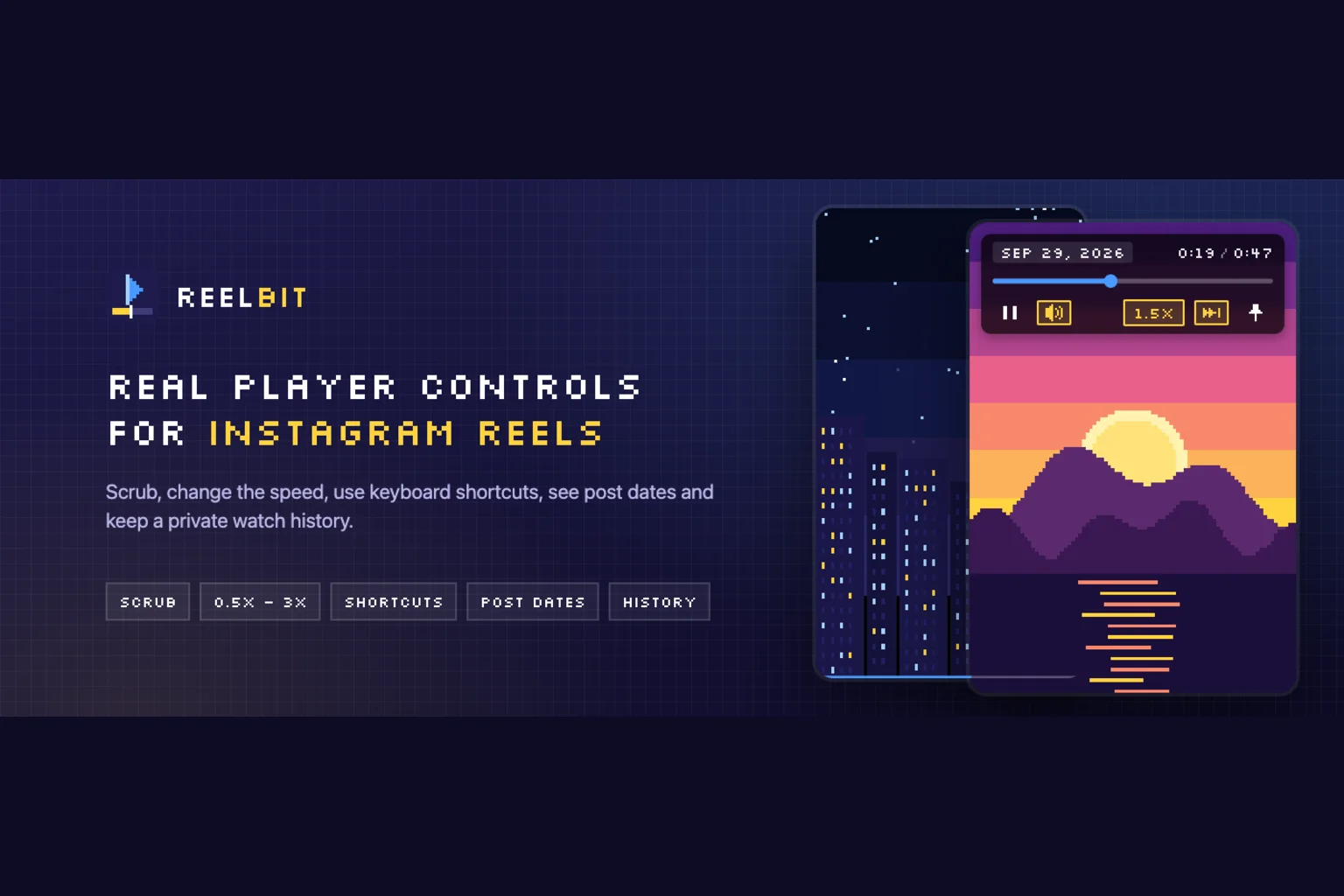
On Instagram web you can't scrub a Reel. You can't change the speed. You can't skip five seconds. If you missed something, or you want to see the twist at the end again, you have to rewatch the whole thing.
It bothered me enough to give it a weekend. I called it playIg, and the idea was simple: a Chrome extension that puts real player controls on top of every Reel. Today it's called ReelBit, it has a landing page, a privacy policy and a promo video, and it's live on the Chrome Web Store. Here's what happened in between.
The approach: don't fight Instagram's DOM
It's an MV3 extension with no framework and no build step. Three pieces:
- a content script + CSS that draws the bar,
- a tiny MAIN-world script to touch things the content script can't see,
- a popup for settings.
The decision that saved me the most pain: don't put anything inside Instagram's DOM. Its markup changes, it's generated, and anything you hang there breaks on the next deploy. Instead, the bar is a position: fixed element attached to document.body, and it follows each <video> by reading its getBoundingClientRect. One shared requestAnimationFrame loop and an IntersectionObserver to know which video is on screen. That's it.
The gotchas I learned the hard way
Instagram pauses videos on visibilitychange. Switch tabs and the Reel stops. For ReelBit to allow background playback (opt-in), the MAIN-world script overrides document.hidden. It's the only place where that makes sense: the content script lives in another world and wouldn't see it.
Instagram hijacks clicks on the Reel. A click on the video triggers its own actions. My buttons were receiving clicks that weren't theirs, so the bar calls stopPropagation before they reach the Reel.
The mute button is a trap. The obvious move is video.muted = true. It works... and desyncs Instagram's own React state: the video goes silent but the icon still says it's playing. The fix is ugly but stable: ReelBit clicks Instagram's own audio button. And I can't find it by aria-label, because it's localized, or by its SVG, because it changes with state. I find it by position: bottom-right, with a single 12px SVG.
Dates come from the shortcode. When the page has no <time>, I decode the date from the URL's shortcode: base64 with a custom alphabet → the media id → a timestamp in the high bits.
const ALPHABET = 'ABCDEFGHIJKLMNOPQRSTUVWXYZabcdefghijklmnopqrstuvwxyz0123456789-_';
const EPOCH_MS = 1314220021721n;

function shortcodeToDate(shortcode) {
  let id = 0n;
  for (const ch of shortcode) id = id * 64n + BigInt(ALPHABET.indexOf(ch));
  return new Date(Number((id >> 23n) + EPOCH_MS));
}
(The real version validates the alphabet and discards impossible dates. This is the idea.) With that, every Reel shows its publish date in the bar, and profile grids get a date badge on each thumbnail.
A bar that stays out of the way
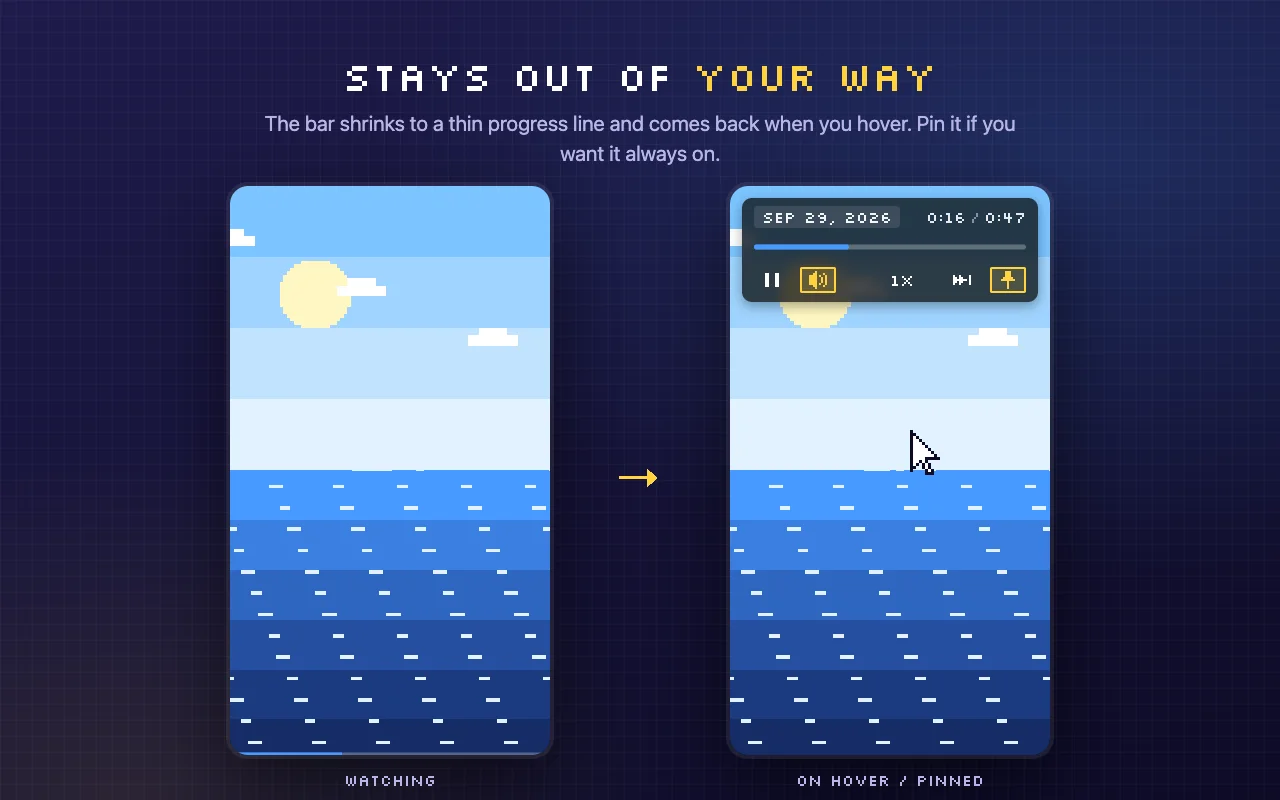
The first version covered the Stories header. Functional, but annoying. Now the bar collapses to a thin progress line and expands when you hover. If you'd rather have it always visible, you pin it.
A history that Instagram only gives you on mobile
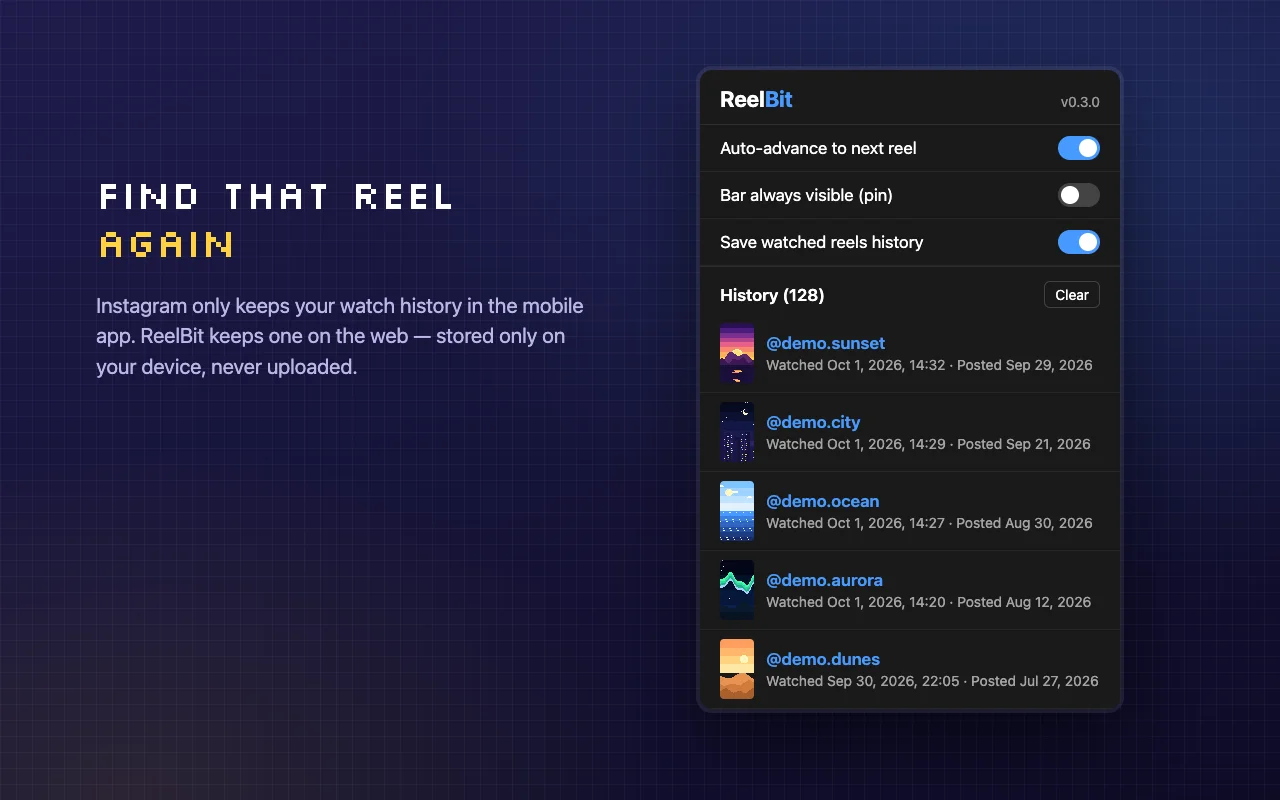
In October 2025 Instagram added a Reels watch history, but only in the mobile app. On the web, nothing. ReelBit keeps its own: the last 500 Reels in chrome.storage.local.
And never with cookies. A cookie on instagram.com travels to Meta's servers on every request; the exact opposite of what I want for something that's only mine. chrome.storage.local stays on your device, period.
The name: from "playIg" to "ReelBit for Instagram"
Before publishing I read Meta's brand guidelines. They don't allow "Insta", "Gram" or abbreviations like "IG" in a product name. The only thing allowed, and only descriptively, is the "X for Instagram" pattern. So playIg died and ReelBit for Instagram was born. And the disclaimer, nice and visible: not affiliated with Instagram or Meta.
A last-minute rename hurts, but it beats a store rejection.
Identity: pixel art everywhere
Since I was renaming it anyway, I gave it an identity of its own. Pixel art:
- the logo is a 16×16 grid,
- the icons are 9×9 pixel SVGs using
currentColor, so they inherit the theme color, - the font is Silkscreen, which is only crisp at multiples of 8px. Outside those multiples, the pixels blur.
The store screenshots and the promo video are rendered deterministically, frame by frame, with Playwright + ffmpeg, from an HTML page that uses the extension's real CSS and icons. No real people's content: the "Reels" in the screenshots are pixel-art sunsets and cities.
Shipping: the landing page and the privacy form
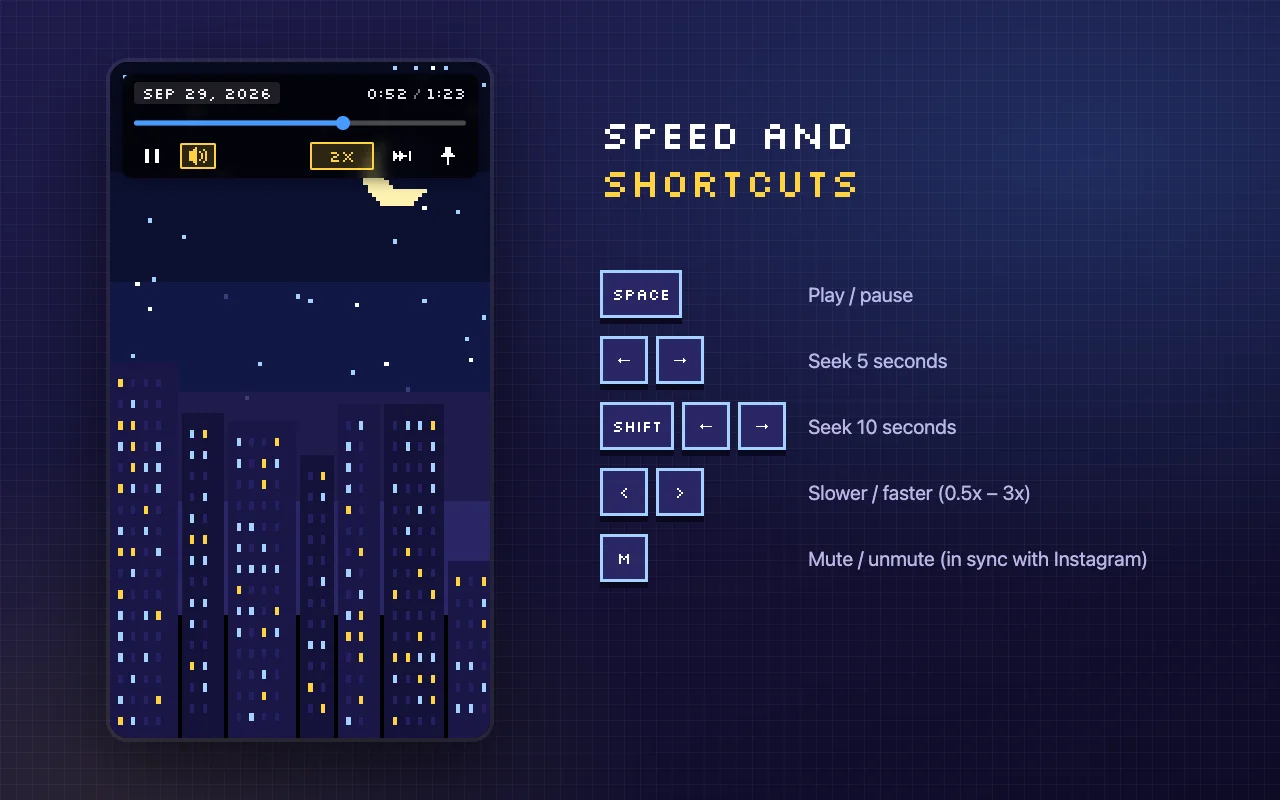
The landing page lives at reelbit.joca.dev, served by this same Next.js site. I didn't set up another project: a host check in the middleware, before next-intl, rewrites the subdomain's routes to the /[locale]/reelbit tree. One site, one deploy, two domains.
The other thing I didn't expect: the Chrome Web Store privacy form makes you declare data even if it only lives on your device. ReelBit stores a history, so "web history" is marked as yes, even though it never leaves the browser. It makes sense, but read it carefully. The full privacy policy is online.
What's next
It's now live on the Chrome Web Store: Install ReelBit from the Chrome Web Store.
Meanwhile you can check out the landing page or the intro video. If you try it and something breaks, or Instagram changes something and the bar slips out of place, I want to hear about it. This is exactly the kind of project that lives on feedback.